What players say
Checkers Fun delivers a faithful and enjoyable checkers experience. The controls are responsive, and the computer opponent provides a fair challenge. The two-player mode is perfect for playing with friends. The game is simple to learn but offers enough depth for repeated play. It is a solid choice for anyone who enjoys classic board games.
About this game
Game Introduction
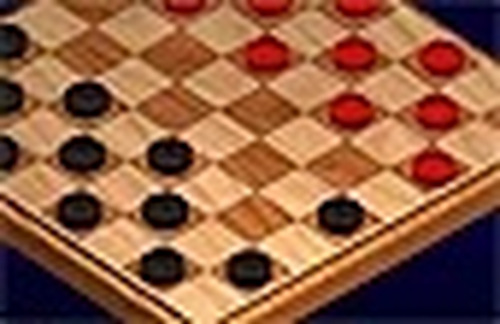
Checkers Fun is a digital version of the classic board game that has entertained families for generations. The game follows standard checkers rules. Players take turns moving their pieces diagonally across the board. The objective is to capture all of the opponent's pieces or block them from making any moves. This online version offers a clean and focused experience without ads or pop-ups. Whether you are new to checkers or have played for years, the game provides a satisfying challenge. The computer opponent is designed to be fair, making each match enjoyable and educational. You can also play with a friend on the same device, making it a great choice for family game time.
How to Play
To play Checkers Fun, first choose your game mode: against the computer or with a friend. On your turn, click on one of your pieces to select it. Then click on a valid square to move. Pieces can only move diagonally forward one square. If you can jump over an opponent's piece, you must do so. Multiple jumps are allowed in a single turn. The game highlights valid moves to help you learn. The goal is to capture all of the opponent's pieces or block them from moving. The computer opponent is smart but not unfair, so every game feels balanced.
Game Features
Checkers Fun includes classic checkers rules with two game modes. Easy click controls that highlight valid moves. Family-friendly design with no ads or distractions. A fair computer opponent suitable for all skill levels. Two-player mode for playing with friends and family. Clean visual style that is easy on the eyes.
Tips for Success
To improve your checkers skills, practice regularly to recognize common patterns and traps. Focus on controlling the center of the board to give your pieces more mobility. Plan a few moves ahead and consider your opponent's possible responses. Protect your back row to prevent the opponent from getting king pieces. Use double jumps and multi-jump opportunities to capture multiple pieces in one turn. Stay patient and avoid rushing moves, as careful planning often leads to victory.